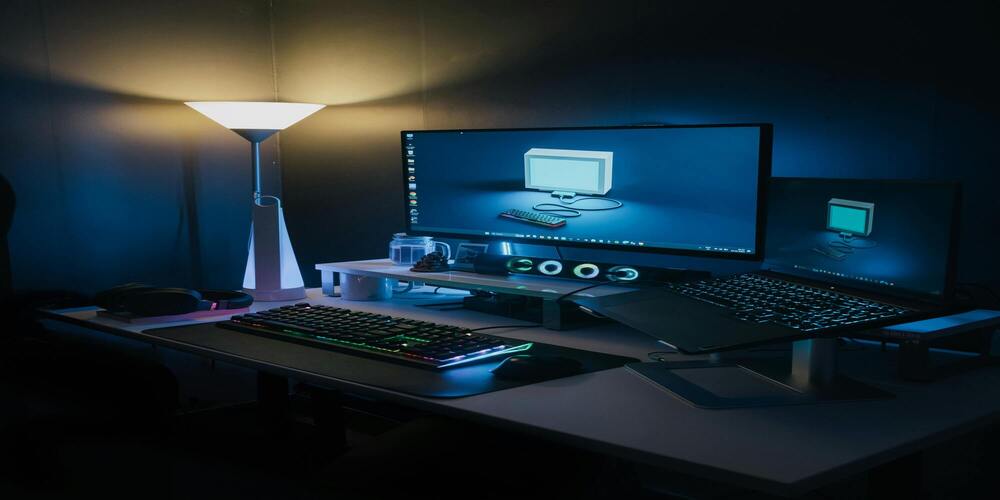
Want to start streaming but don’t want to spend a fortune? You don't need $5,000 to look like a pro. We have compiled the ultimate list of high-performance gear that respects your wallet.
📷 Best Budget Webcams
A clear image is essential for connection. These cameras deliver 1080p quality without the DSLR price tag.
- The Industry Standard: Logitech C920 – Reliable, sharp 1080p video.
- Built-in Lighting: Razer Kiyo – Comes with a ring light attached.
- Budget King: NexiGo N930AF – Great autofocus for the price.
🎤 Best Budget Microphones
Audio is actually more important than video. If you sound bad, people leave. These mics make you sound like a broadcaster.
- Best Overall: HyperX SoloCast – Tap-to-mute sensor is a game changer.
- Classic Choice: Blue Snowball iCE – The starter mic for thousands of partners.
- Value Pick: Fifine K669B – Incredible sound for under $40.
💡 Best Budget Lighting
Good lighting makes a $30 webcam look like a $300 camera.
- Neewer Ring Light Kit – The all-in-one solution.
- Elgato Key Light Mini – Portable and app-controlled.
🎛 Essential Accessories
Don't forget these small items that make a big difference.
- Microphone Boom Arm – Get the mic off your desk to reduce keyboard noise.
- Stream Deck Mini – Control scenes and mute audio with one button.
Setting It All Up
Once your gear arrives, follow this order:
- Install OBS Studio (It's free).
- Mount your lights behind your monitor, facing you.
- Add your Webcam and Mic as "Sources" in OBS.
- Test your audio levels (aim for the yellow bar).
Ready to buy?
We recommend starting with the HyperX SoloCast and the Logitech C920 for the perfect starter combo.
Check Price on AmazonFrequently Asked Questions
What is the absolute cheapest setup?
If you have $0, use your phone as a webcam (using DroidCam or EpocCam apps) and your headset microphone.
Do I need a green screen?
No. Most software (like NVIDIA Broadcast or Zoom) can blur or remove your background without a green screen now.
